
Getting started with git-scraping @ Irrational Exuberance
Hi folks,
This is the weekly digest for my blog, Irrational Exuberance. Reach out with thoughts on Twitter at @lethain, or reply to this email.
Posts from this week:
-
Getting started with git-scraping
Getting started with git-scraping
See this post’s code on Github.
My mother works with a food pantry and recently they have an interesting logistical challenge: they get nearly free meat donated from another non-profit, but can only order it after the other non-profit updates their website and need to order it somewhat immediately (within a few hours) of the website’s updates. This sort of thing is a tractable problem if you’re comfortable working in a modern business environment, there are a bunch of vendors that monitor websites at a reasonable price, but it’s a fairly intimidating problem if you haven’t spent time working in something adjacent.
The better solution for most folks would be identifying one of the existing vendors to solve this problem, but I decided it was high time for me to dig into Simon Willison’s work on git scraping!
My goal is pretty straight forward:
- Track changes to a webpage as Git commits in a Github repository
- Make it possible for non-developers to subscribe to those changes
Alright, let’s get into it.
Tracking changes
I don’t want to put the non-profit’s website on blast, so I’m going to use one of my own websites as a substitute example, but it should work the same way. Specifically I’ll be crawling infraeng.dev.
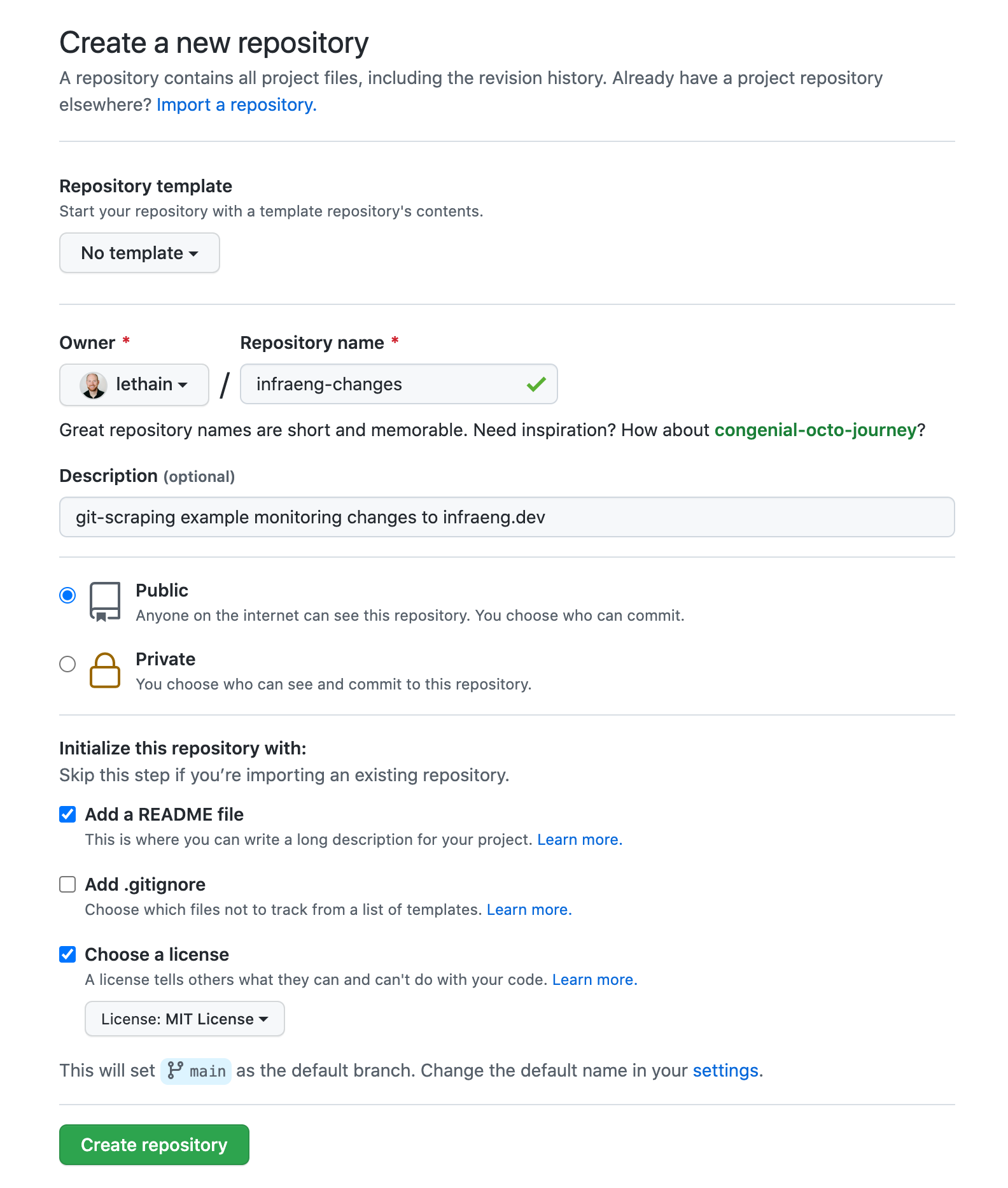
My first step was creating a new repository on Github.
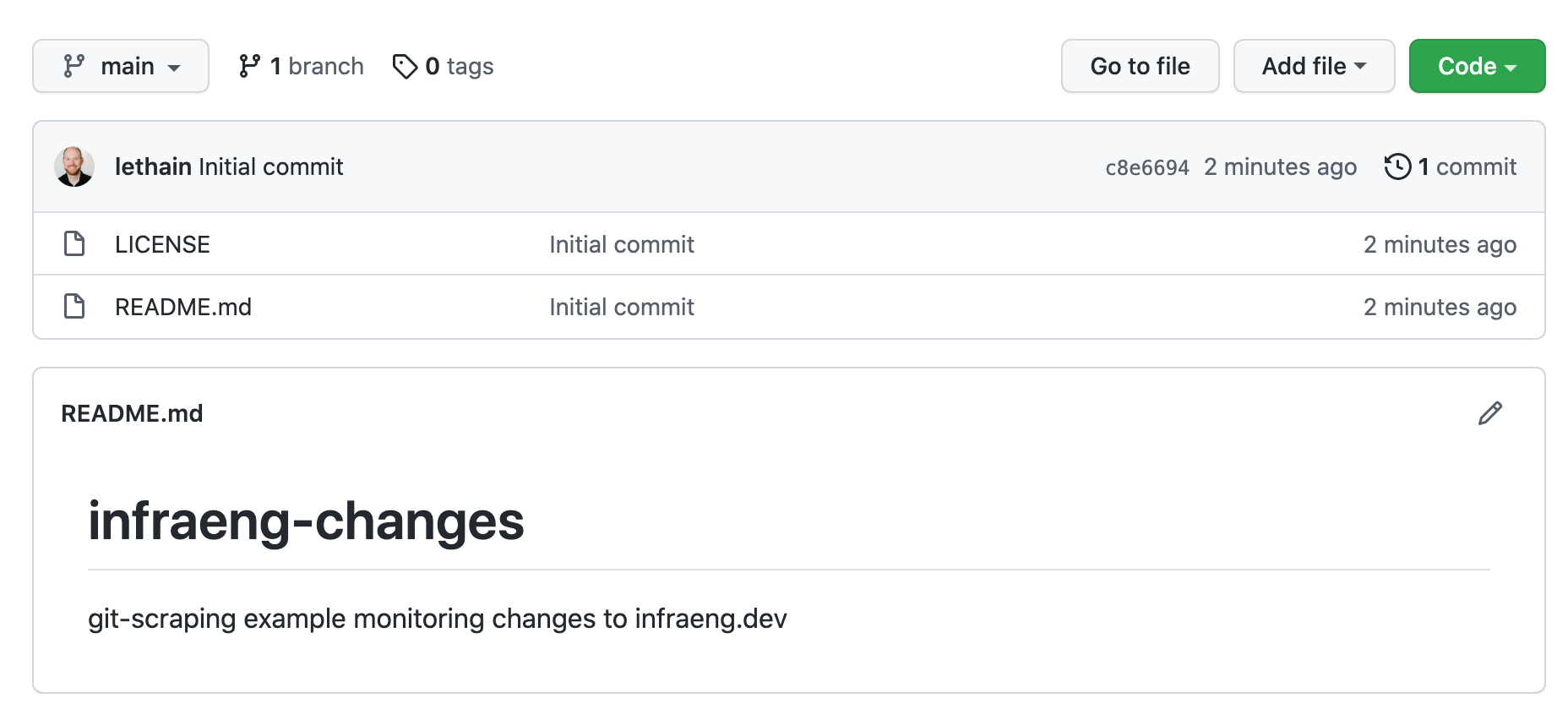
Which left me with a brand new, empty, repository.
Next I checked out that repository and created the Github workflow directory.
git clone git@github.com:lethain/infraeng-changes.git
mkdir -p .github/workflows
emacs .github/workflows/scrape.yml
From there, I created .github/workflows/scrape.yml
following the example workflow action in
ca-fires-history/.github/workflows/scrape.yml.
The only difference is that line 17 is updated from:
curl https://www.fire.ca.gov/umbraco/Api/IncidentApi/GetIncidents | jq . > incidents.json
to instead point at infraeng.dev
curl https://infraeng.dev/ > website.html
I commited this change, pushed it up to Github, and this simple version works!
Cleaner scraping
While this works, it assumes that the reader is familiar with html, which isn’t a safe assumption in this case. Instead I wanted to write a simple script to extract the table of contents from the website and turn it into a plain text table.
In most cases I would use beautifulsoup to do this, but I wanted to do this without any 3rd party dependencies, so in this case I relied on Python3’s html.parser library instead.
You can see the ~30 line Python cleaning script here.
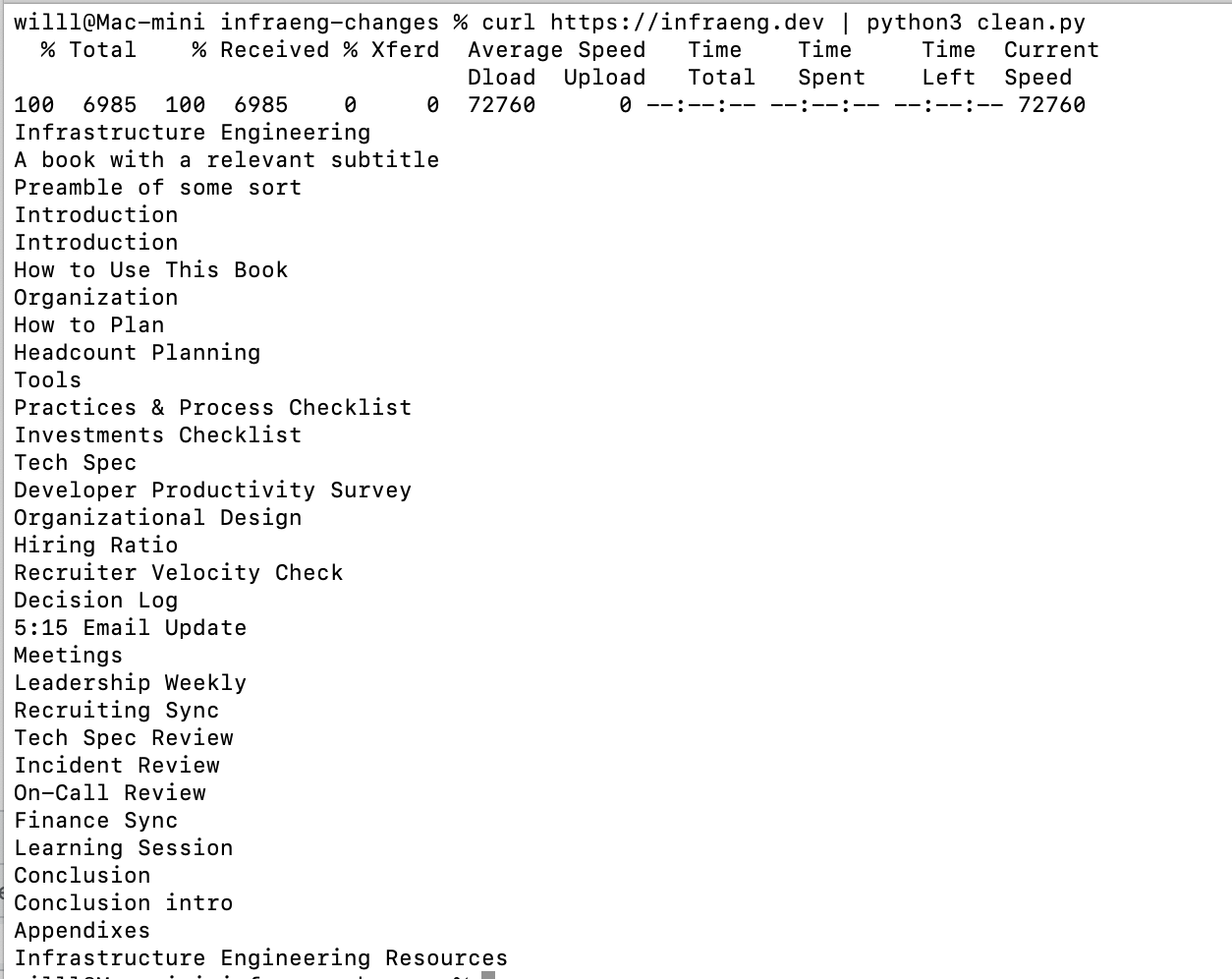
Then I updated line 17 of .github/workflows/scrape.yml to use the script:
curl https://infraeng.dev/ | python clean.py > table-of-contents
and then instead of the full HTML, now it’s generating the much cleaner table-of-contents file! This is a simple, human readable file that is resilient to header or footer changes while still doing a good job of tracking any changes to the table of contents.
Notifications
Now that we have a nice log of changes, how do we allow folks to subscribe to these changes?
The very simplest solution might be that you can just add .atom to the commit feed,
e.g. infraeng-changes/commits/main.atom
and then throw that into an RSS feed reader. That would work well for folks comfortable with an RSS
reader. Unfortunately, many folks don’t have RSS readers.
Another straightforward solution would be having folks create a Github account and to “watch” the repository for changes.
If we wanted to get all the way to SMS notifications, the pattern in this blog post would work, relying on Twilio’s action-sms action.
I’ve disabled this workflow but otherwise you can see the full code on Github.
That's all for now! Hope to hear your thoughts on Twitter at @lethain!
|

